Pattern Workbench
Draft a garment to measurements, walk its seams and print the pieces at full scale.
Choose a garment
1. Garment
2. Body
Measure photo landmarks locally with a blank Letter/A4 reference, then send or add their records below alongside stature and the other required measurements.
Tape measurements in cm (degrees where marked). ● = needed for this garment; the rest improve it. Empty boxes fall back to the size chart for this height, shown greyed, and the check below says which ones still need measuring.
Add photo or other measurement evidence
Choose My tape measurements or a primary Measurements file, then add local
fabric-measurements/1 files. Their original records are fused with the primary body's
records; definitions, uncertainty, conflicts and MODEL_FIT restrictions still apply.
Print a photo scale reference
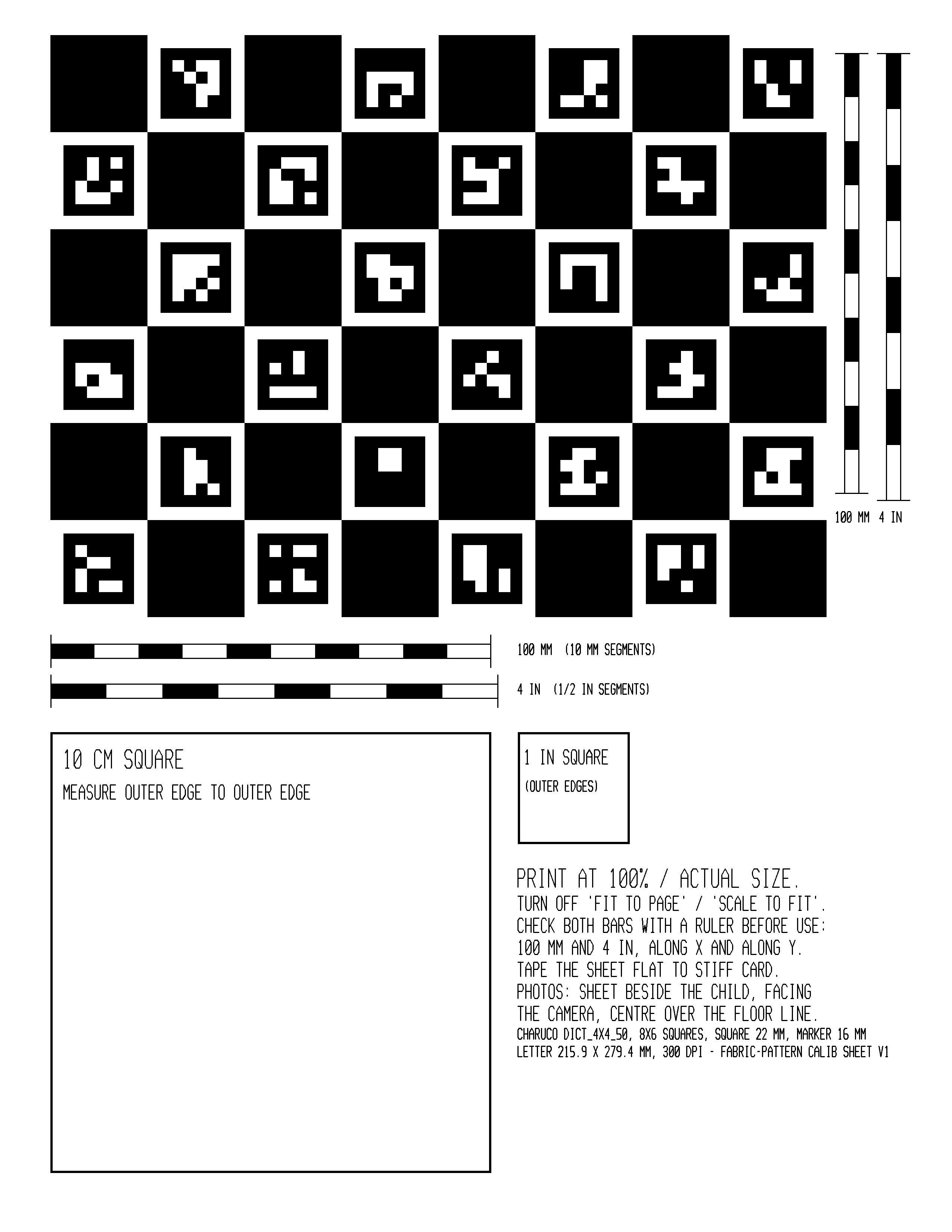
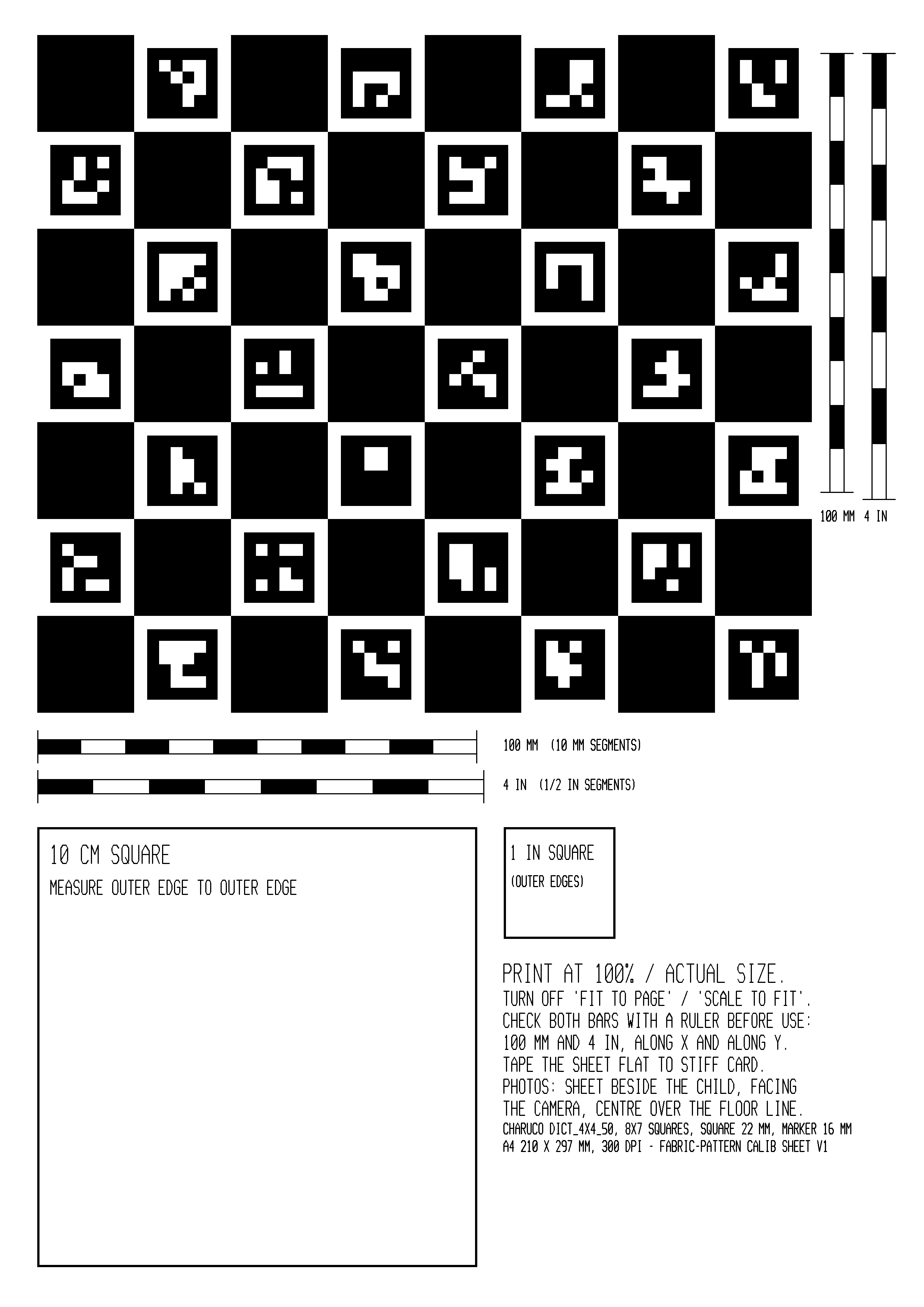
Download a ChArUco sheet for your paper size. Print the PDF at 100% / Actual size, turn off Fit to page, and check the 100 mm and 4 in bars along both axes with a ruler. Tape the sheet flat to stiff card before taking photos.
| Paper | Image | Board definition | |
|---|---|---|---|
| US Letter | Letter PDF | Letter PNG (300 DPI) | Letter sidecar JSON |
| A4 | A4 PDF | A4 PNG (300 DPI) | A4 sidecar JSON |
Generate a matching reference locally
The built-in image detector uses DICT_4X4_50. Other dictionaries require matching external detection or reviewed corner coordinates. Keep the generated JSON with the printed sheet.
Use a fitted body (optional)
Load the converted body model to draft, check targets or drape a garment. The model fits the current tape evidence, or reuses an accepted image-fit shape below. All files stay local.
Use anny-0.6.1-default.ftxbody, made with
tools/body-model/convert_anny.py, or the exact model used for the accepted fit.
Reuse an accepted image-fit shape
Choose the saved ftx-body-fit/1 report. Its model must match, and its accepted
shape is reused without tape refitting. Image-frame poses are not used for drafting or draping.
New patterns use the model's dimensions and placement in its reference pose. Imported and altered patterns keep their geometry and are checked against that body. Tape fitting needs the wearer's age and a supported model. Boleros still need a supplied hand-passage value; trousers need foot passage. Model predictions do not add measured evidence or establish physical fit.
3. Style (optional)
The drafting program's style parameters (ease, lengths, proportions). Edit the values; the result is checked against the same fit contract.
Open this round’s pattern, measurements and fit contract in the local Material Workbench. Bind materials there before running a consumer; body selection is separate.
Finished measurements
Seam walk and truing
Export checks
Solved drafting values
Check the fitted body
Compare the selected body with this round's targets before running cloth. This also works for patterns with no fold-up placement. Select the model and optional accepted report under Use a fitted body above. Body predictions remain MODEL_FIT; neither these differences nor an accepted shape establish physical fit.
Fold it up on the selected body
Sews and drapes this pattern as ftx drape does. Cloth self-contact
uses Blender's 2 mm separation. Numerical settling does not establish physical fit.
Retries a stalled step as smaller steps without extending simulated time. The trial limit covers sewing, draping and settling, separately for each start. Exhausting the limits refuses the run.
Arm angle applies to tape-fitted or accepted shapes; the default is 35°. Leg fraction moves from standing (0) to the full selected posture (1), keeping the fitted shape and arm angle. Extra settling continues the sewn garment until its quiet window or the step limit; 0 keeps the fixed schedule. History-dependent materials require a fixed-duration run and refuse automatic settling.
The optional comparison runs a second full solve at 18 sewing steps versus the ordinary 12-step path. It can roughly double fold time. Agreement is sensitivity evidence, not a confidence interval, unique-equilibrium proof or physical-fit claim.
Alter the current pattern
Choose one operation on the checked pattern. Piece coordinates are in millimetres, with y pointing up. Each accepted change keeps the pattern's source and adds its explanation to the history, then checks seams, fit and exports again with the current body inputs.
An invalid operation keeps the working pattern unchanged. A changed pattern needs a fresh drape and material study; passing these checks does not establish physical fit.